Home Automation Sensors: The Hidden Intelligence of a Unified System
Home automation sensors are often described as simple triggers. A motion sensor turns on a light. A contact sensor sends an alert. A temperature sensor adjusts a thermostat. On the surface, they appear to be small accessories added to a smart home setup.
In reality, home automation sensors are the nervous system of a unified automation architecture.
A list of sensors used in home automation can include motion sensors, presence sensors, contact sensors, humidity and CO2 sensors, water sensors, current sensors, driveway sensors, soil sensors, weather stations, and more. But sensors alone do not create intelligence. They generate data. Intelligence emerges only when that data is interpreted by a structured system brain.
In a fragmented smart home, sensors trigger isolated reactions. In a unified whole home automation system, sensors coordinate behavior. Lighting responds to occupancy and daylight. Climate adapts room by room. Exhaust fans activate based on humidity. Outdoor lighting reacts to driveway activity and weather conditions. Water sensors protect basements before damage spreads.
This is where architecture matters.
Platforms such as Loxone treat sensors not as add-ons, but as inputs into a centralized logic engine. Instead of multiplying apps and routines, the system interprets environmental conditions, presence, and time as part of one coordinated structure.
The result is not more notifications. It is fewer decisions.
Home automation sensors are not about detecting events. They are about shaping how a home behaves quietly, predictably, and intelligently under one unified system brain.
What Are Home Automation Sensors Really?
When most people hear the term home automation sensors, they imagine small gadgets mounted on ceilings or tucked into corners. A motion sensor turns on a light. A contact sensor sends an alert. A temperature sensor adjusts a thermostat.
That is only the surface.
A typical list of sensors used in home automation may include:
Motion sensor devices
Presence sensor systems
Contact sensors for doors and windows
Home automation humidity sensors
CO2 sensor home automation modules
Home automation water sensor protection
Home automation current sensor monitoring
Weather station integration
Automated soil sensor inputs
Driveway and outdoor motion sensor trigger systems
But sensors are not the system.
They are inputs.
A motion sensor detects movement. A presence sensor determines occupancy more precisely. A humidity sensor measures moisture levels. A contact sensor automation device identifies open or closed states. None of these devices create intelligence on their own.
Intelligence emerges when sensor data is interpreted through a unified logic engine.
In a fragmented smart home, sensors trigger isolated reactions. A light turns on. A notification appears. A fan runs on a timer. Each action exists independently.
In a unified automation architecture such as one built around Loxone, sensors feed into a central system brain. Movement, daylight, air quality, temperature, time of day, and occupancy are evaluated together. Lighting, climate, ventilation, and security respond as coordinated behavior rather than isolated events.
The difference is not the sensor hardware.
It is how the system thinks.
Motion vs Presence Sensors — Why It Matters
At first glance, a motion sensor and a presence sensor seem interchangeable. Both detect activity. Both can trigger automation. In many smart home setups, they are treated as the same thing.
They are not.
A motion sensor detects movement. When something moves across its field of view, it sends a signal. This makes it useful for outdoor light motion sensor applications, driveway alerts, and basic security triggers. A weatherproof motion sensor placed outdoors can activate pathway lighting or trigger an outdoor motion sensor trigger for home automation when someone approaches the home.
But motion sensors have limitations. Once movement stops, the system assumes the space is empty.
A presence sensor goes further. It detects occupancy, including subtle micro-movements and even stillness. That means someone sitting quietly in a living room, reading in a chair, or working at a desk does not suddenly get left in the dark.
This difference changes how lighting, climate, and security behave.
With motion-only logic, lights may shut off unexpectedly. HVAC systems may cycle inefficiently. Security zones may overreact. Automation feels reactive and mechanical.
With presence-based logic, lighting adapts smoothly. Climate balances room by room based on actual occupancy. Security understands the difference between a lived-in space and an empty one.
Outdoor motion sensor triggers are excellent for perimeter awareness and exterior lighting guidance. Interior presence sensors are foundational for behavior-based living. They allow the home to understand when a space is truly in use.
Automation-first design uses the right sensor for the right role.
Motion handles detection.
Presence supports intelligence.
When sensor selection is intentional, the system behaves predictably, calmly, and in alignment with how the home is actually lived in.
Environmental Sensors That Shape Comfort
Lighting often gets the attention, but true comfort is defined by environmental data. A home automation humidity sensor or a CO2 sensor home automation module does more than display numbers. It feeds the system with real information about air quality, moisture levels, and occupancy patterns.
Temperature alone does not define comfort.
A room can read seventy two degrees and still feel uncomfortable if humidity is high, CO2 levels are elevated, or airflow is stagnant. Traditional thermostats and basic HomeKit temperature sensor automation setups react only to temperature thresholds. They do not interpret how the room actually feels.
Environmental sensors expand that awareness.
A humidity sensor allows the system to activate a home automation sensor for exhaust fan operation when moisture rises in bathrooms or kitchens. A CO2 sensor can increase fresh air ventilation automatically when indoor air becomes stale. A weather station can provide outdoor temperature, sunlight, wind, and precipitation data to coordinate shading systems and HVAC response before indoor conditions drift out of balance.
The difference between whole-home sensing and room-by-room sensing is critical.
Whole-house averages smooth out important variations. A south-facing bedroom may overheat while a basement remains cool. A bathroom may trap humidity while adjacent spaces stay dry. Room-by-room sensing allows automation logic to respond locally rather than overcorrect globally.
Platforms such as Loxone integrate environmental logic at the system level. Temperature, humidity, CO2, and weather data are evaluated together under one coordinated system brain. Instead of running static schedules, the home adapts dynamically based on real conditions.
Comfort becomes measured, interpreted, and refined continuously.
Environmental sensors do not simply report conditions. They shape how the home breathes, balances, and protects itself quietly in the background.
Water, Soil, Snow, and Safety Sensors
Home automation sensors are not limited to comfort and lighting. Some of the most valuable intelligence in a unified system is protective.
A home automation water sensor can detect leaks before visible damage occurs. A home automation basement water sensor placed near sump pumps, mechanical rooms, or finished lower levels can trigger alerts, shut off water valves, or activate drainage systems automatically. Instead of discovering water damage hours later, the system responds in real time.
Outside the home, automation becomes preventative rather than reactive.
An automated snow sensor can detect temperature and moisture conditions on driveways or walkways, activating heating elements only when needed. This prevents ice buildup without relying on manual switches or constant operation.
An automated soil sensor measures moisture levels in landscape zones. Irrigation runs only when the ground actually needs water, reducing waste and preventing overwatering. The system adapts to weather patterns rather than following rigid schedules.
A home automation driveway sensor can detect vehicle approach or movement at the perimeter. Exterior lighting adjusts automatically. Notifications are triggered only when relevant. Security awareness increases without overwhelming the homeowner with unnecessary alerts.
These sensors are not conveniences. They are risk management tools.
In a fragmented system, water detection, irrigation control, driveway awareness, and snow management exist as separate subsystems. In a unified automation architecture, they feed into one coordinated logic layer. Environmental conditions, occupancy, and time of day are evaluated together.
Automation becomes preventative intelligence.
Instead of reacting to damage, inconvenience, or oversight, the home anticipates conditions and responds before problems escalate.
Electrical Awareness — Current and Contact Sensors
A unified automation system does not only respond to motion or climate. It also understands electrical behavior and physical state.
A home automation current sensor monitors electrical load on specific circuits or devices. Instead of guessing whether an appliance is running, the system reads real power consumption. This allows automation to detect when a washing machine finishes, when a sump pump activates, or when unexpected load patterns occur.
Current sensing supports energy load management as well. Large appliances can be coordinated to prevent peak demand spikes. Backup systems can respond intelligently. Energy data becomes part of system logic rather than a standalone report.
Contact sensors automation focuses on physical awareness. Door, window, gate, and cabinet sensors detect open and closed states with precision. These sensors enhance security, but they also inform behavior. Lighting can adjust when a patio door opens. Climate can compensate when windows are left open. Garage logic can verify closure before the home transitions to night mode.
When integrated properly, contact sensors do not add visual clutter. They are recessed or concealed during planning so security awareness remains discreet.
The key difference is integration.
In a fragmented setup, current sensors report data in one app and contact sensors trigger alerts in another. In a unified system architecture, both feed into one coordinated logic engine. Electrical load, door states, occupancy, and environmental conditions are evaluated together.
This creates deeper system awareness.
The home does not simply react to isolated triggers. It understands context and acts accordingly.
Creative Ways to Use Home Automation Sensors
When people search for creative ways to use home automation sensors, they are often looking for clever tricks. The real creativity begins when sensors feed unified system logic rather than isolated routines.
A presence sensor can do more than turn lights on. In a bathroom, humidity levels combined with occupancy can activate an exhaust fan only when needed and shut it down automatically once air quality stabilizes. No timers. No forgotten switches.
Lighting becomes adaptive rather than scheduled. Daylight levels measured through a weather station or brightness sensing allow interior lighting to balance naturally throughout the day. When presence is detected, task lighting adjusts. When a room is empty, it fades away.
Windows and climate can communicate. If a window contact sensor detects that a window is open, the system can pause heating or cooling in that zone to prevent energy waste. Comfort logic adapts instead of fighting the environment.
Outdoor automation expands the possibilities. A driveway sensor combined with sunset data from a weather station can trigger pathway lighting only when arrival is detected after dark. Landscape lighting adjusts to weather conditions rather than fixed timers.
Entertainment can also respond to room presence. Music follows occupancy rather than fixed zones. When the room is empty, audio fades naturally. When someone enters, the experience resumes without manual selection.
These examples are not isolated features. They demonstrate behavior-based living.
Home automation sensors become powerful when they operate as coordinated inputs to a unified system brain. Creativity is not about adding more devices. It is about designing smarter relationships between them.
Why Sensors Only Work When the System Brain Is Unified
A growing number of homes include home automation sensors, yet many of them operate in isolation. When sensors are disconnected from a unified logic layer, they generate alerts and notifications. When they are integrated into a whole home automation system, they create coordinated behavior.
The difference is architectural.
In fragmented systems, a motion sensor triggers a light, a humidity sensor triggers a fan, and a contact sensor sends a phone notification. Each device acts independently. The result is reaction, not intelligence.
In a unified system, sensors feed one structured decision engine. That is where platforms such as Loxone operate differently. Instead of treating sensors as individual triggers, Loxone interprets them collectively through a central logic layer.
Local processing allows decisions to happen instantly without relying on cloud services. Structured hierarchy ensures lighting, climate, security, and energy systems respond in coordination rather than conflict. Long term stability reduces dependency on overlapping apps and redundant routines. Fewer applications mean fewer failure points and clearer system behavior.
When humidity rises and presence is detected, ventilation adjusts intelligently. When daylight increases and a room becomes occupied, lighting balances automatically. When a window opens, climate responds accordingly. Each decision is contextual because all sensors report to the same system brain.
Sensors are not intelligent on their own. They are data inputs.
Intelligence emerges only when those inputs are interpreted by a unified automation architecture designed to think as one.
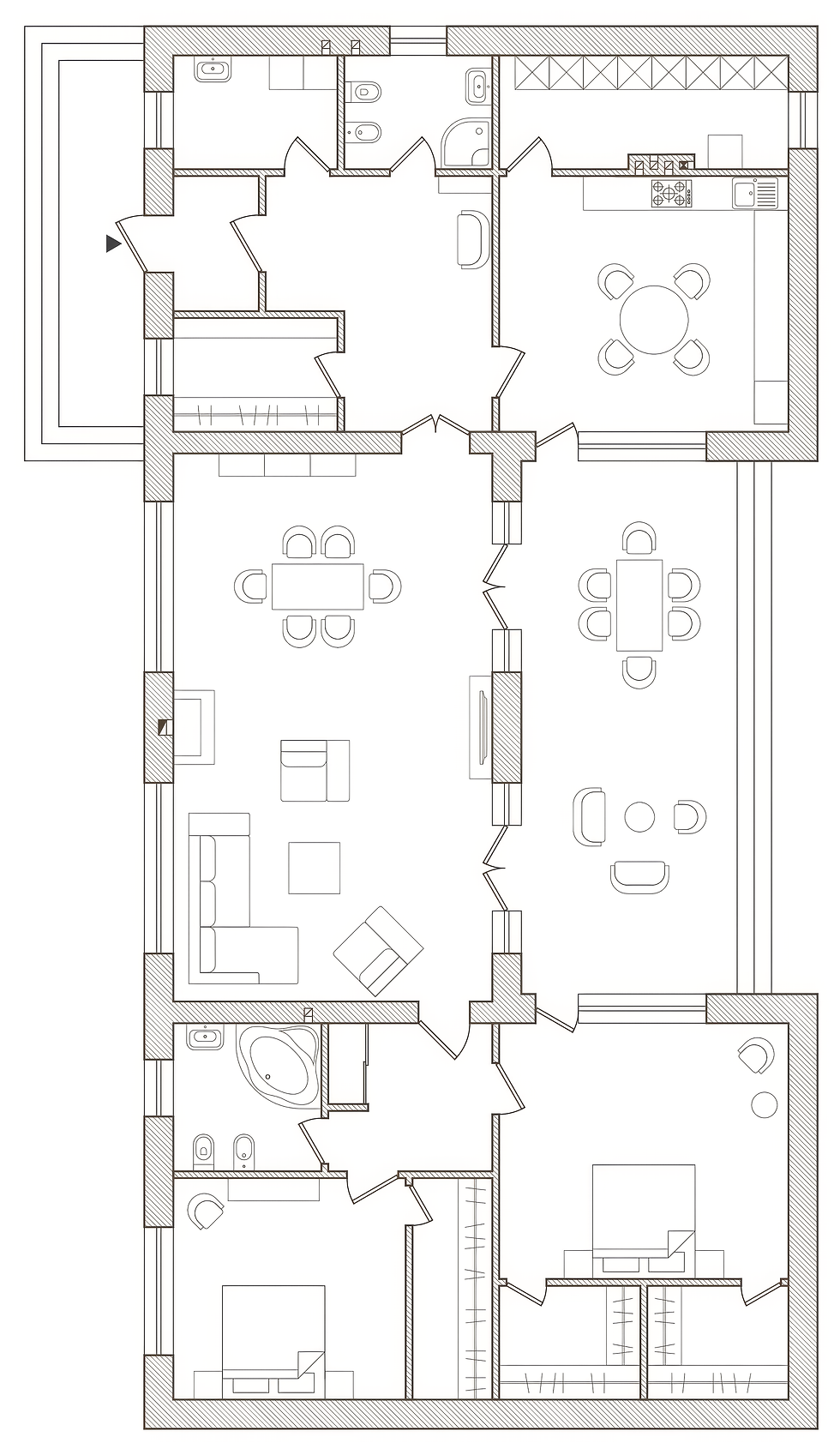
Designing Sensor Strategy Into the Floor Plan
A successful home automation system design does not begin with devices. It begins with placement strategy.
Home automation sensors should be planned during architectural development, not added after construction. When sensor strategy is integrated into Home Automation Plans and Design, the result is cleaner ceilings, quieter walls, and coordinated infrastructure that supports long term reliability.
Ceiling integration allows motion and presence sensors to disappear into architectural lines. Wall concealment reduces visible hardware and preserves interior aesthetics. Infrastructure coordination ensures wiring pathways, low voltage zones, and control hierarchies are aligned before drywall closes. Clear documentation provides future technicians with diagrams, logic maps, and placement records that simplify service years later.
This is where design first consulting becomes critical.
Sensors are not gadgets. They are the nervous system of a unified automation architecture.
When positioned intentionally, sensors do more than trigger lights. They reduce wall clutter by minimizing unnecessary switches. They eliminate repetitive manual control by enabling behavior based responses. They protect the building through water, contact, and environmental awareness. They increase comfort by allowing climate and lighting to adapt automatically.
Most importantly, they create invisible intelligence.
When sensors are designed into the floor plan from the beginning, the home operates as a cohesive system rather than a collection of reactive devices.


Comments